Learning centre / Carpentry / Carpentry and upholstery questions
CarpentryBlacksmithPrinting shopConstruction sitesFlowers, gifts and perfumes

Carpentry and upholstery questions

Every order with its stage, its delivery date and what the customer still owes.

11 chapters · 4 steps

Step by step

Press any step (or scroll) and the phone shows its screen.
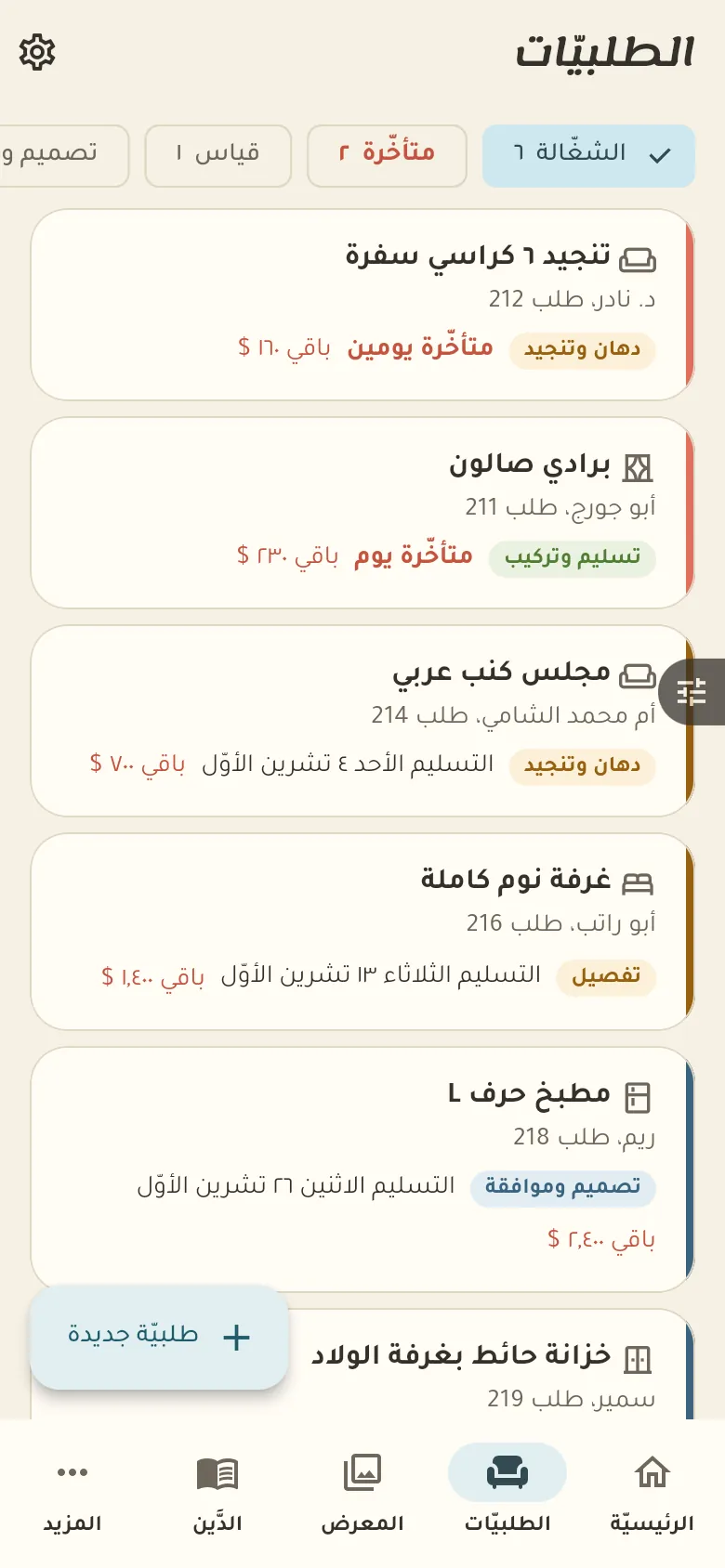
  1. Orders with measurements
  2. Your first order
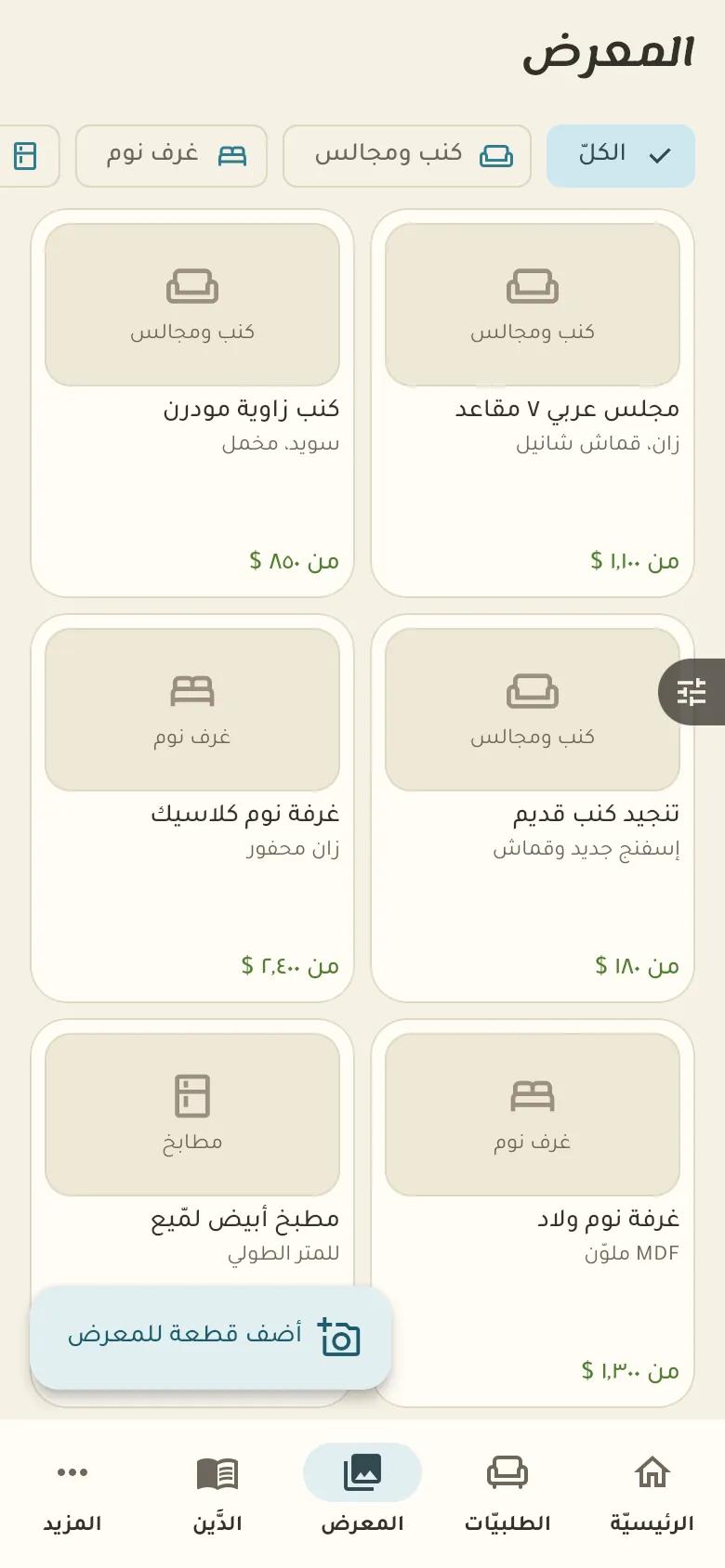
  3. The gallery
  4. Deposit and credit
Step screen

Common questions

How do I record a piece's measurements?

In the order tap «Measurements» and type the length, width and height of each part, or choose the unit in Settings. They stay attached to the order and the customer's file.

How does the customer approve the design?

Add the design photos to the order and send the customer the tracking link. They view them and tap «Approve» or write their notes, and you continue after their approval.

How do I change the deposit percentage?

From «More → Settings» change the default deposit percentage and it's suggested on every new order. You can adjust it for a particular order.

On a computer or in the browserIf your phone is not at hand, open Rafeeq Business in the browser and sign in with the same number: the same cashier and the same steps.
BlogLearning centreYour business isn't here? Request itPrivacyTermsDelete accountService status العربيةRafeeq for home and family