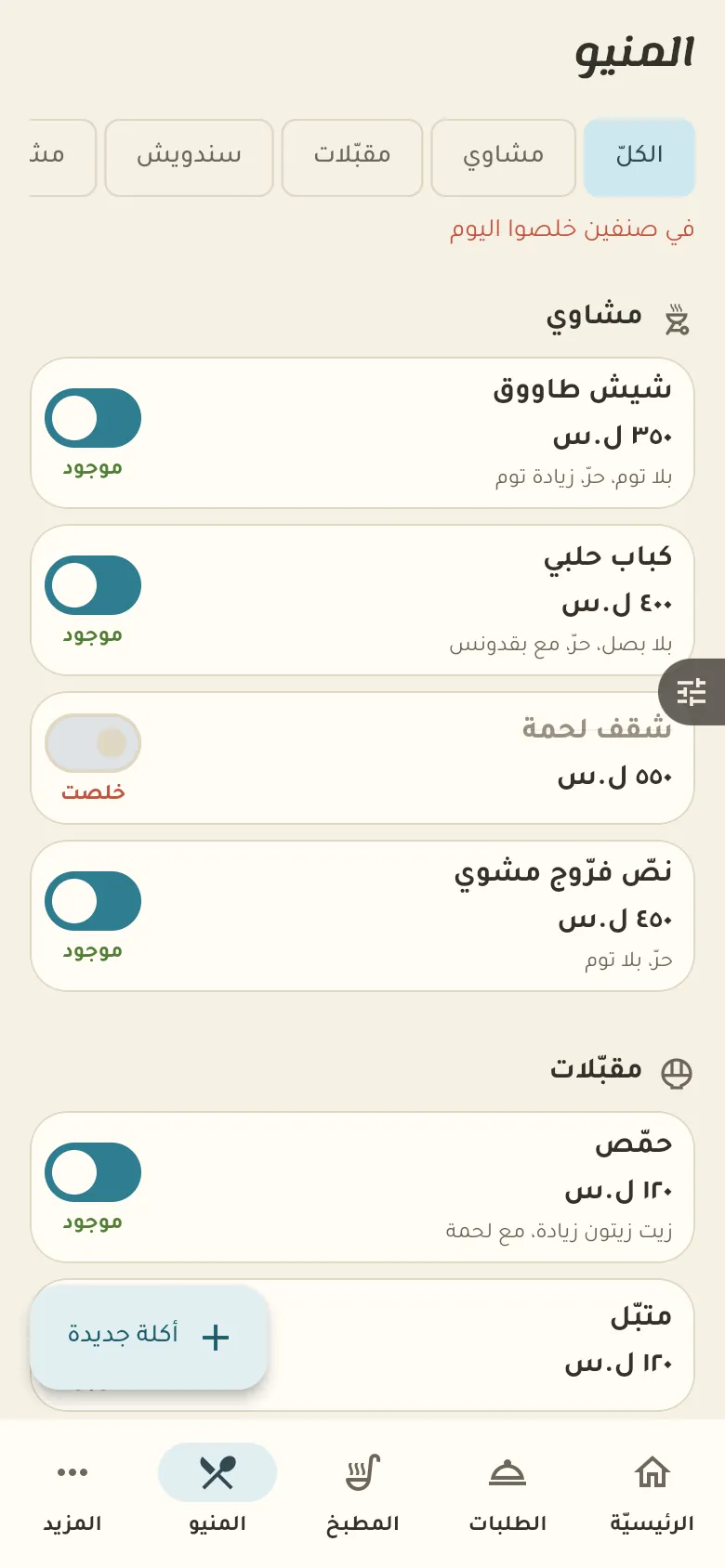
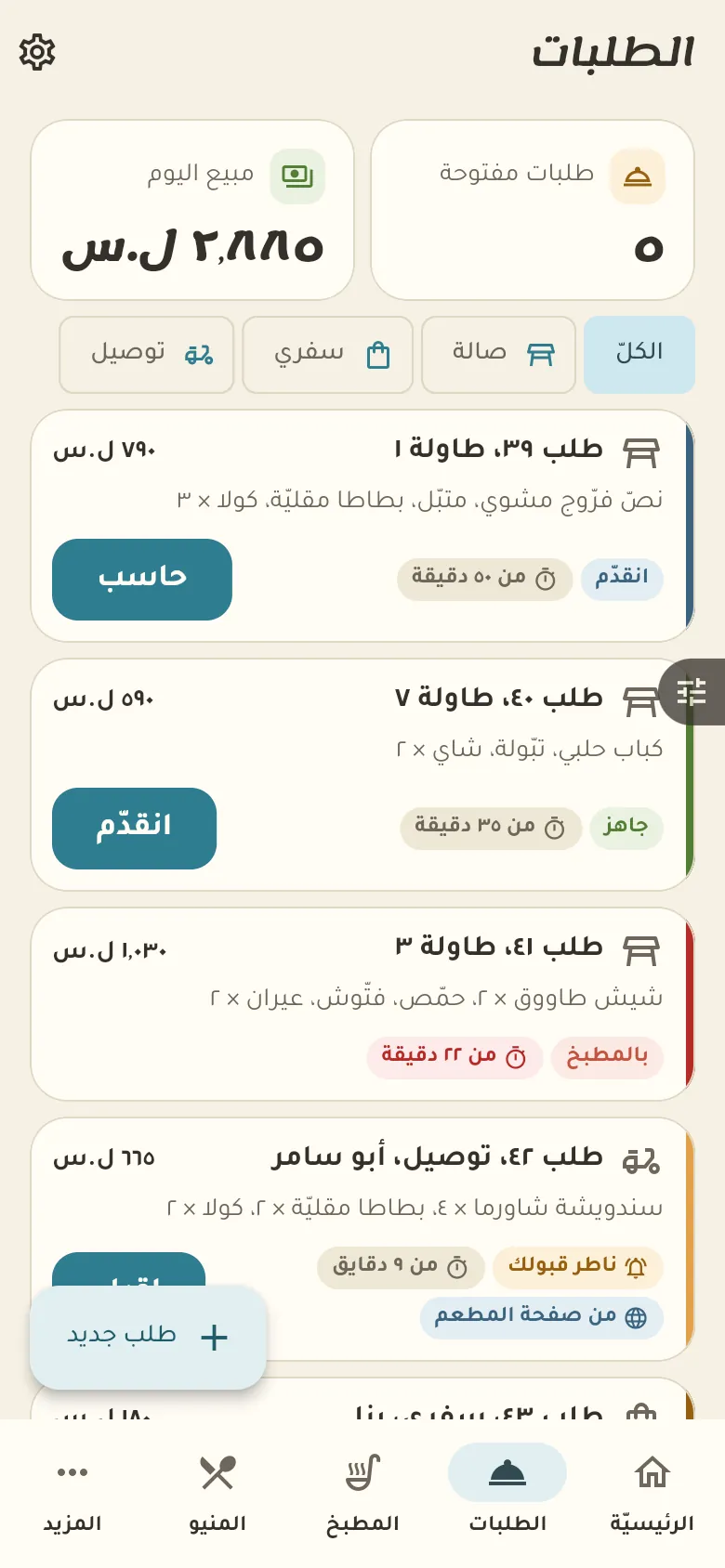
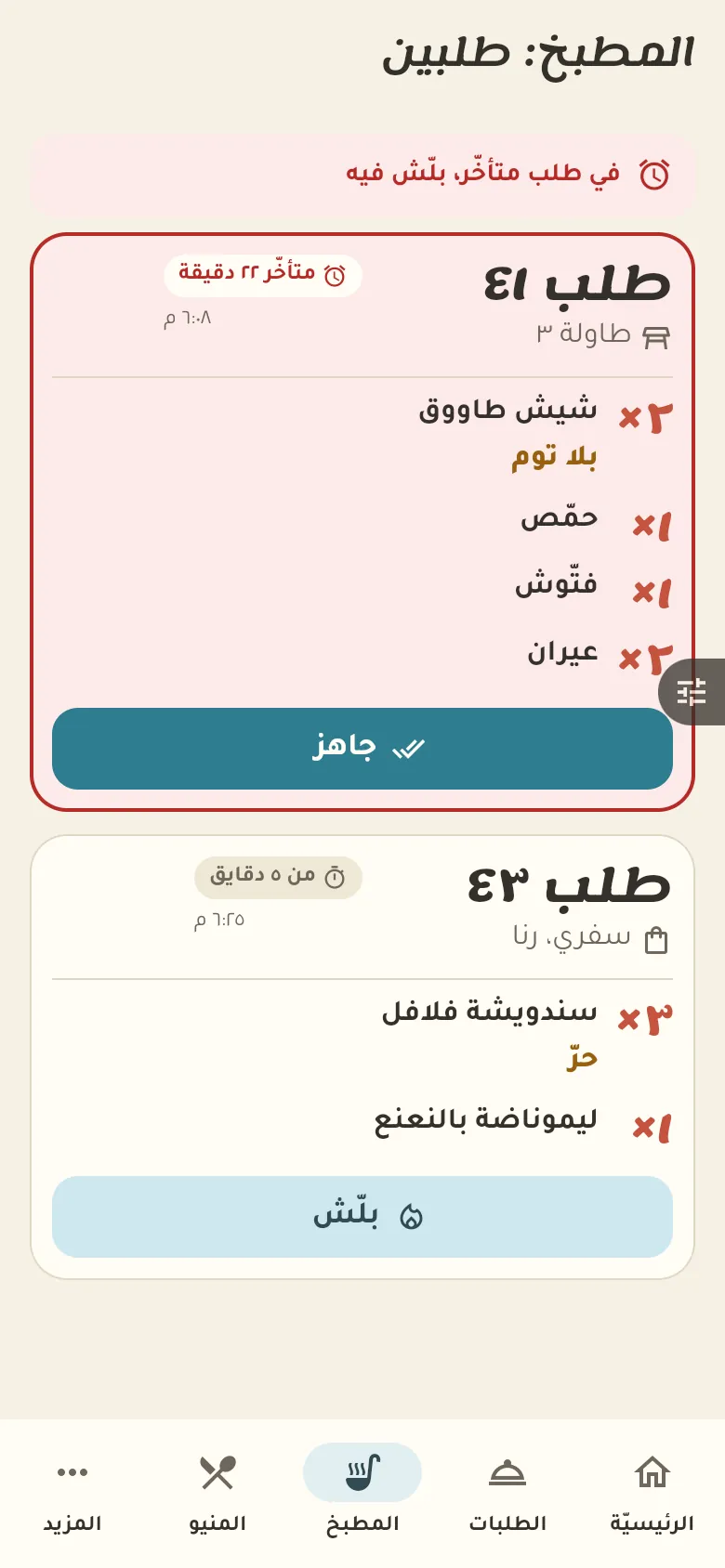
Learn Restaurant Open tables and a kitchen screen with orders per table and a late-order warning.
Last updated: 7 November 2026 · 11 chapters · 12 steps · The Restaurant page →
Pick up where you left off: Resume ▶
← Previous ▶ Play Next → Speed ×1 0:00 Opening the account and creating the restaurant 1:44 The menu and its sections 2:54 A new dish and editing it 4:22 The home screen 5:32 A new order on a table 6:45 The kitchen and order status 8:10 Adding, removing and cancelling 9:29 The bill, payment and splitting it 10:51 Takeaway and delivery 11:57 Restaurant page and customer orders 14:06 Restaurant settings
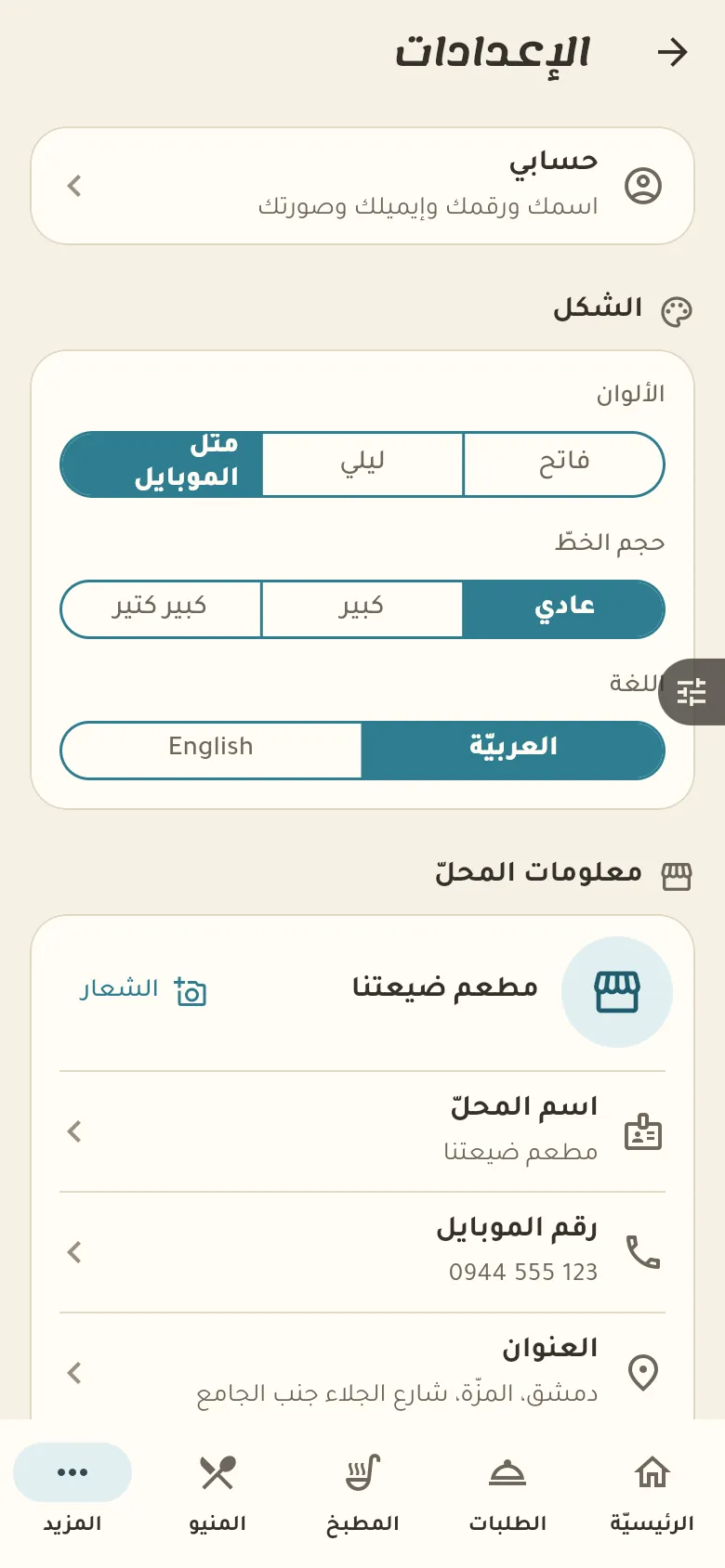
Settings, team, printing, subscription and everything in More are shared by every business type and have one detailed video →
Step by step Press any step (or scroll) and the phone shows its screen.
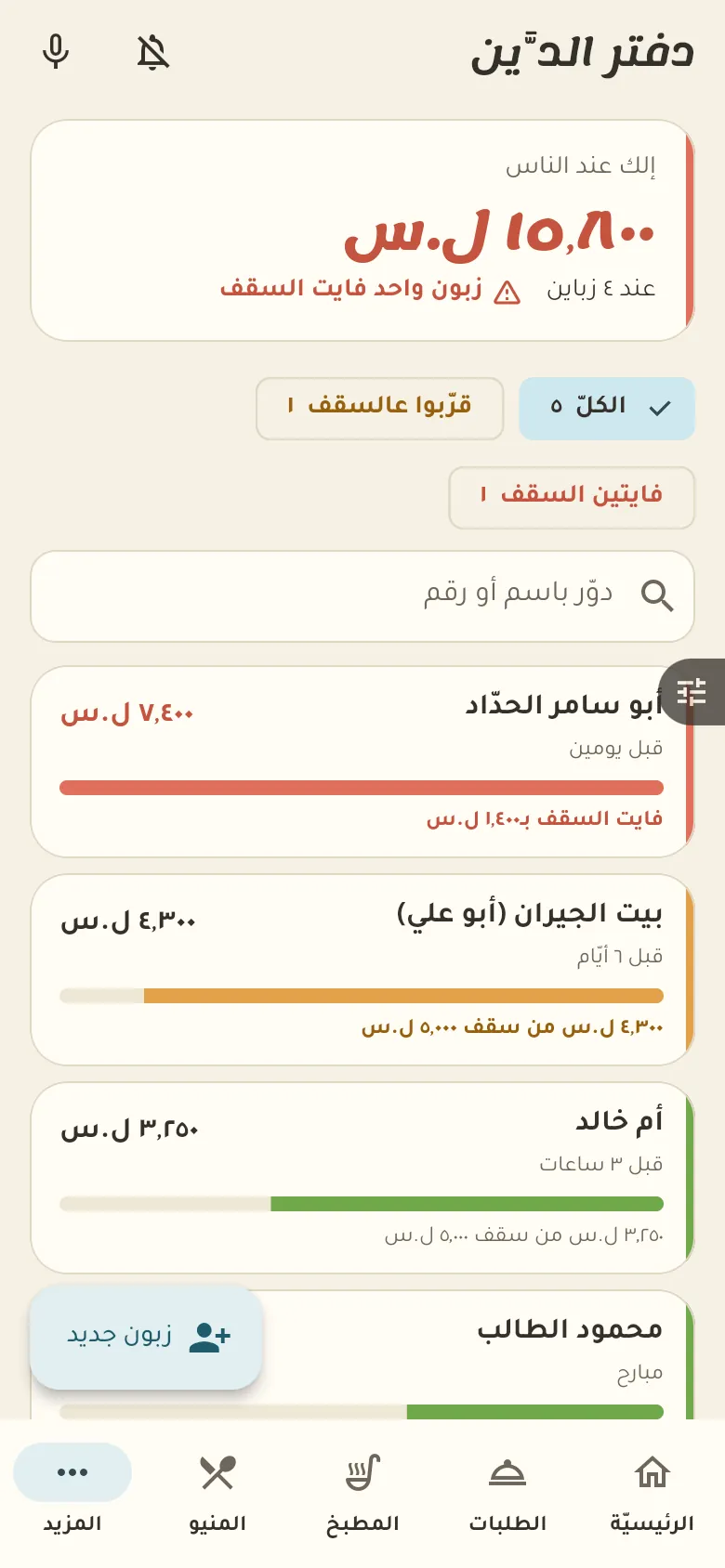
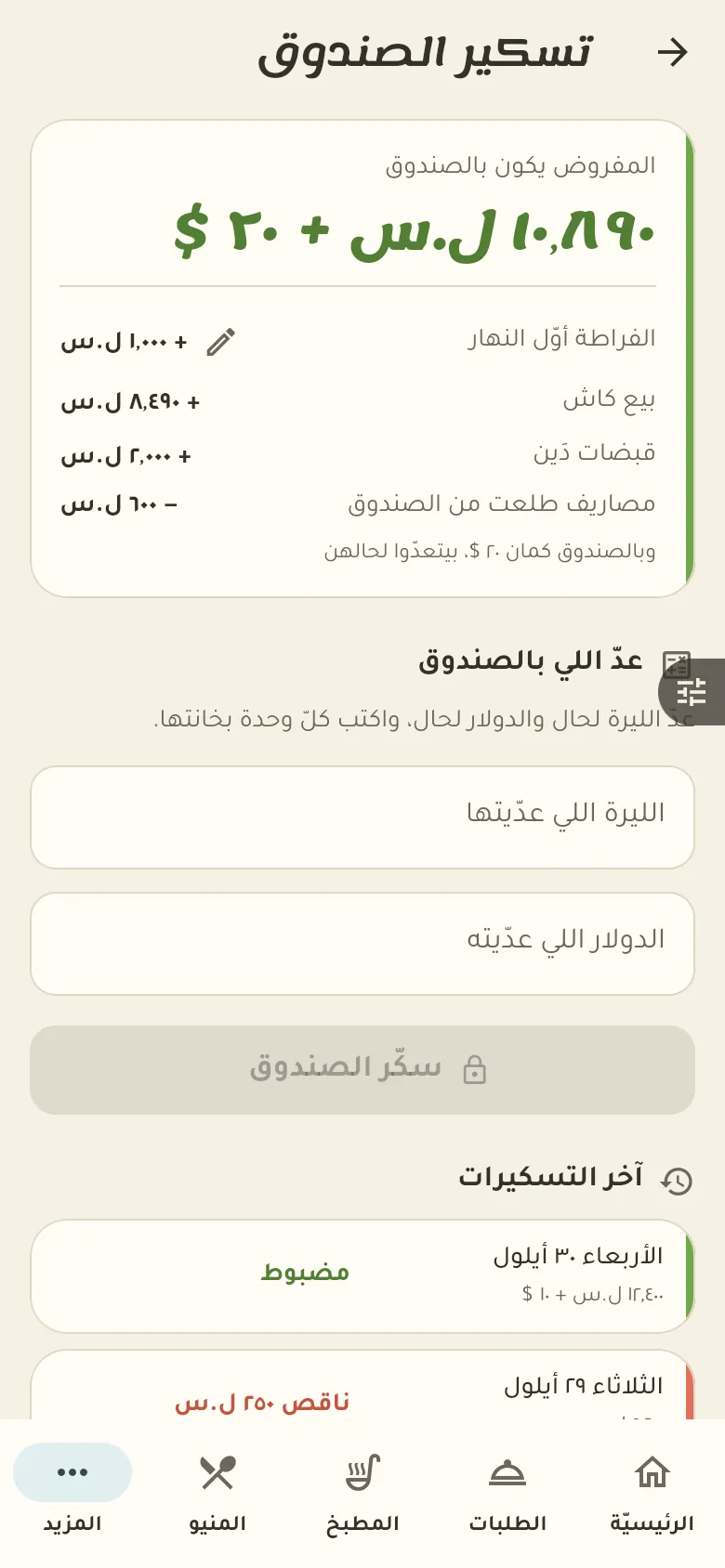
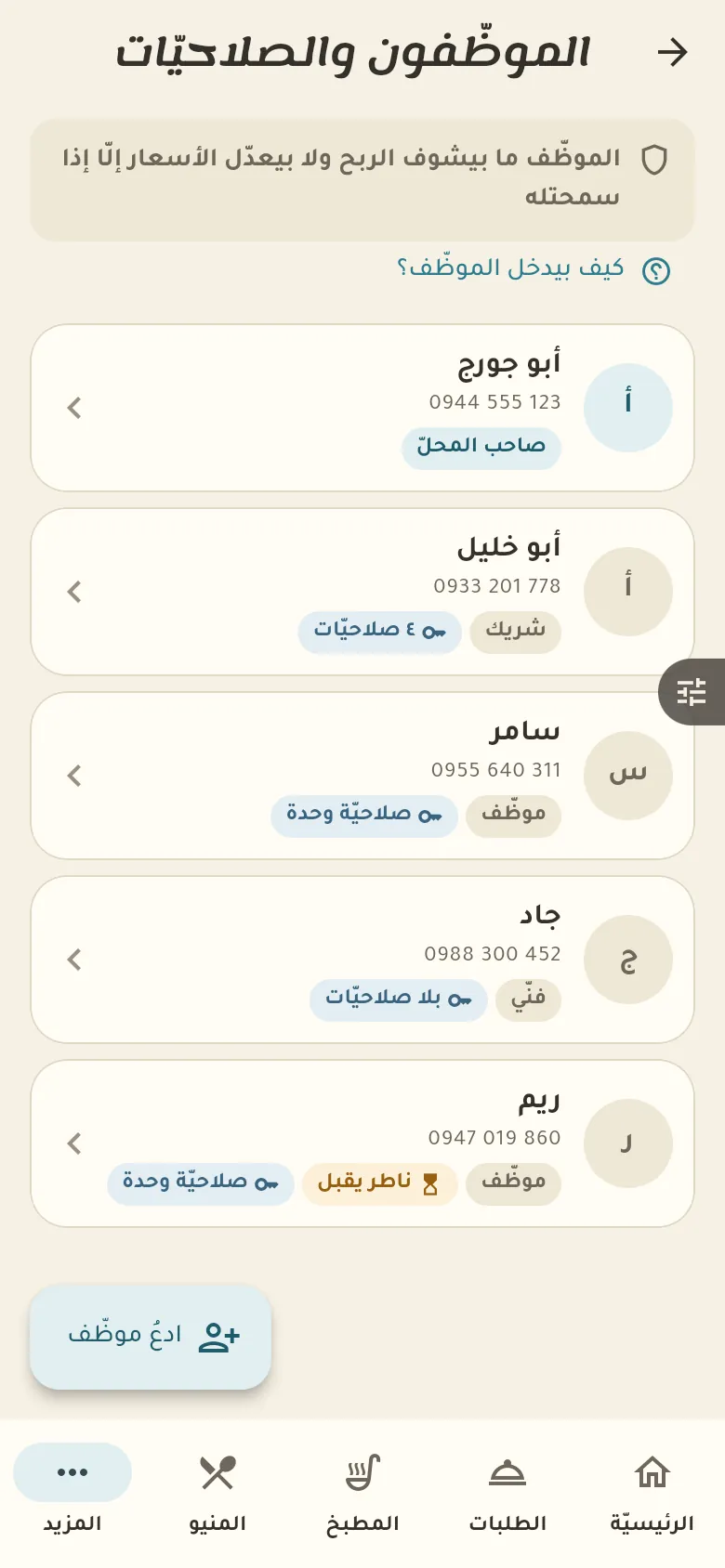
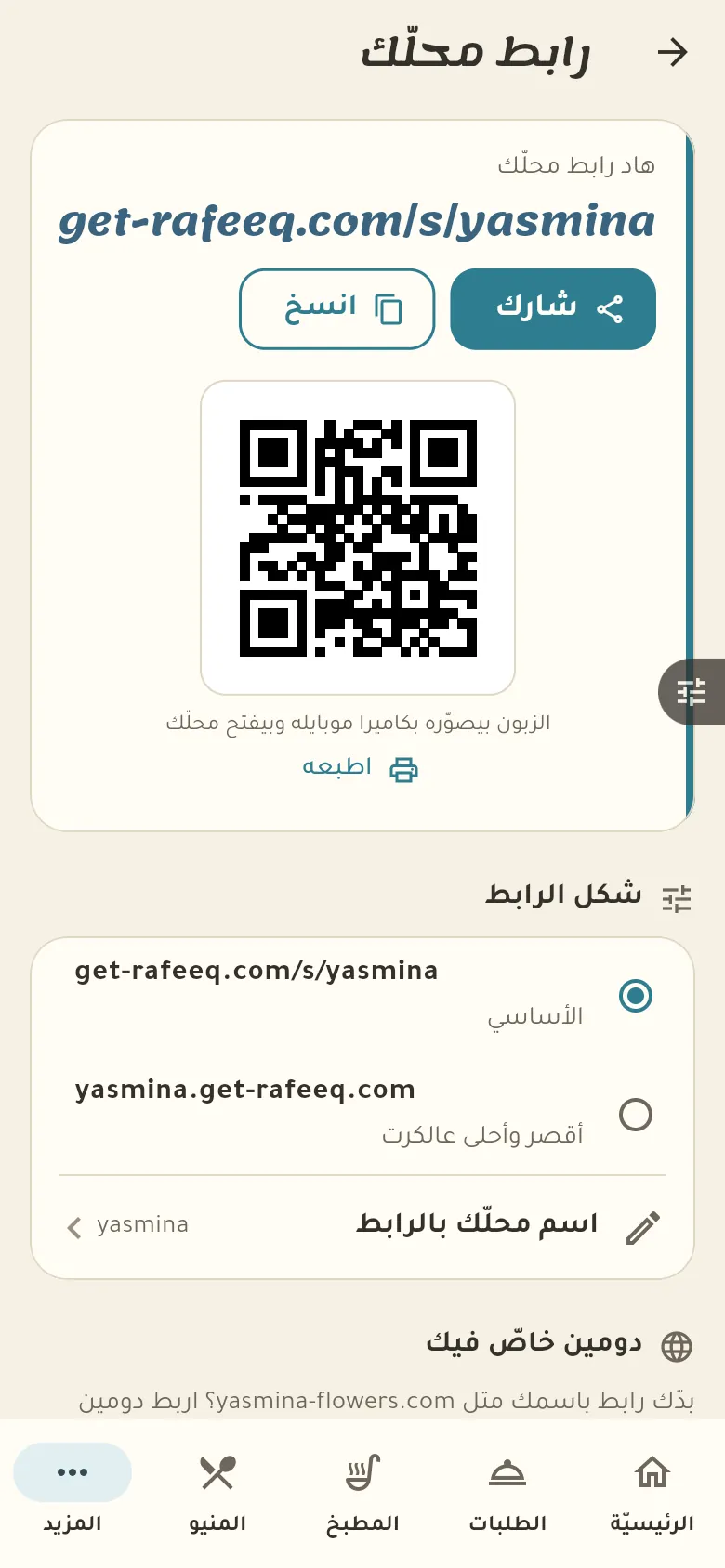
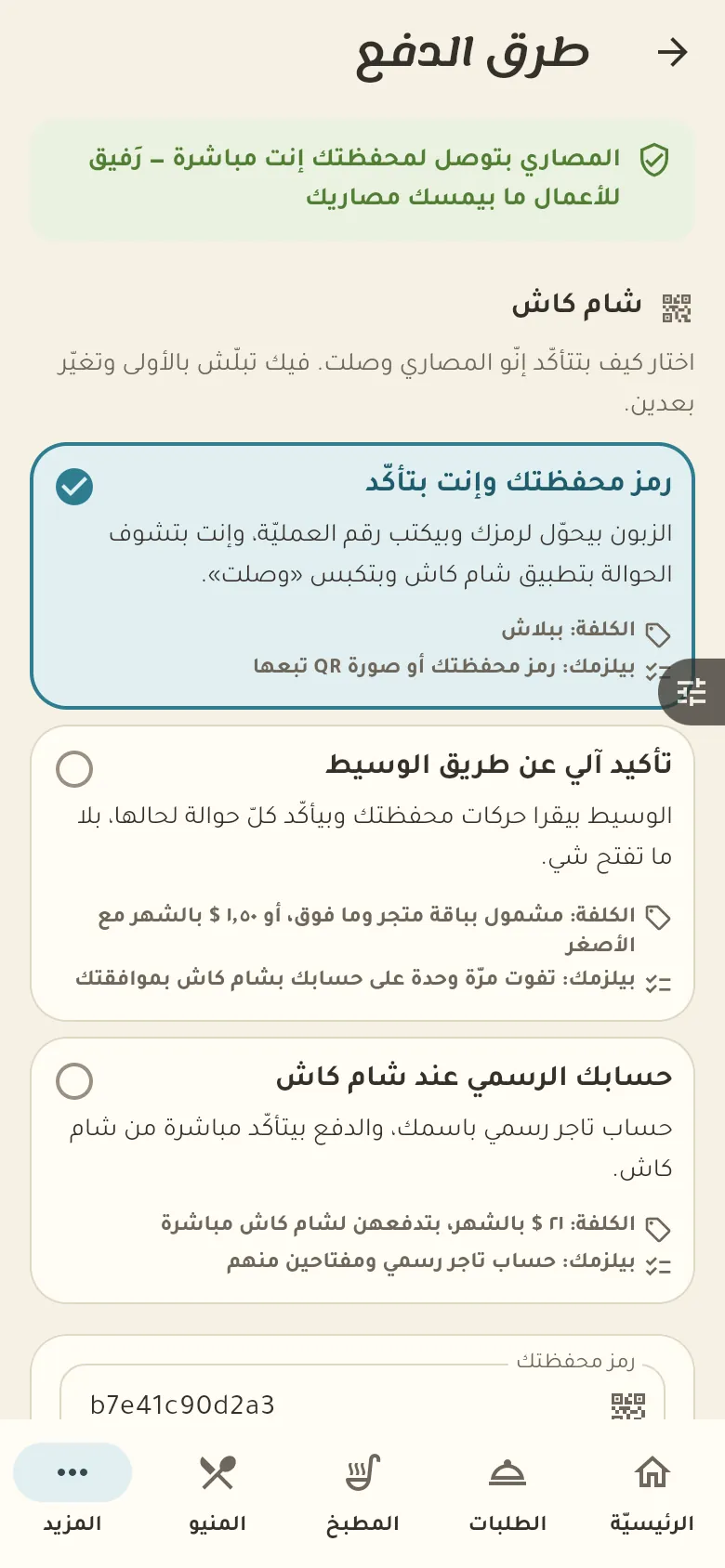
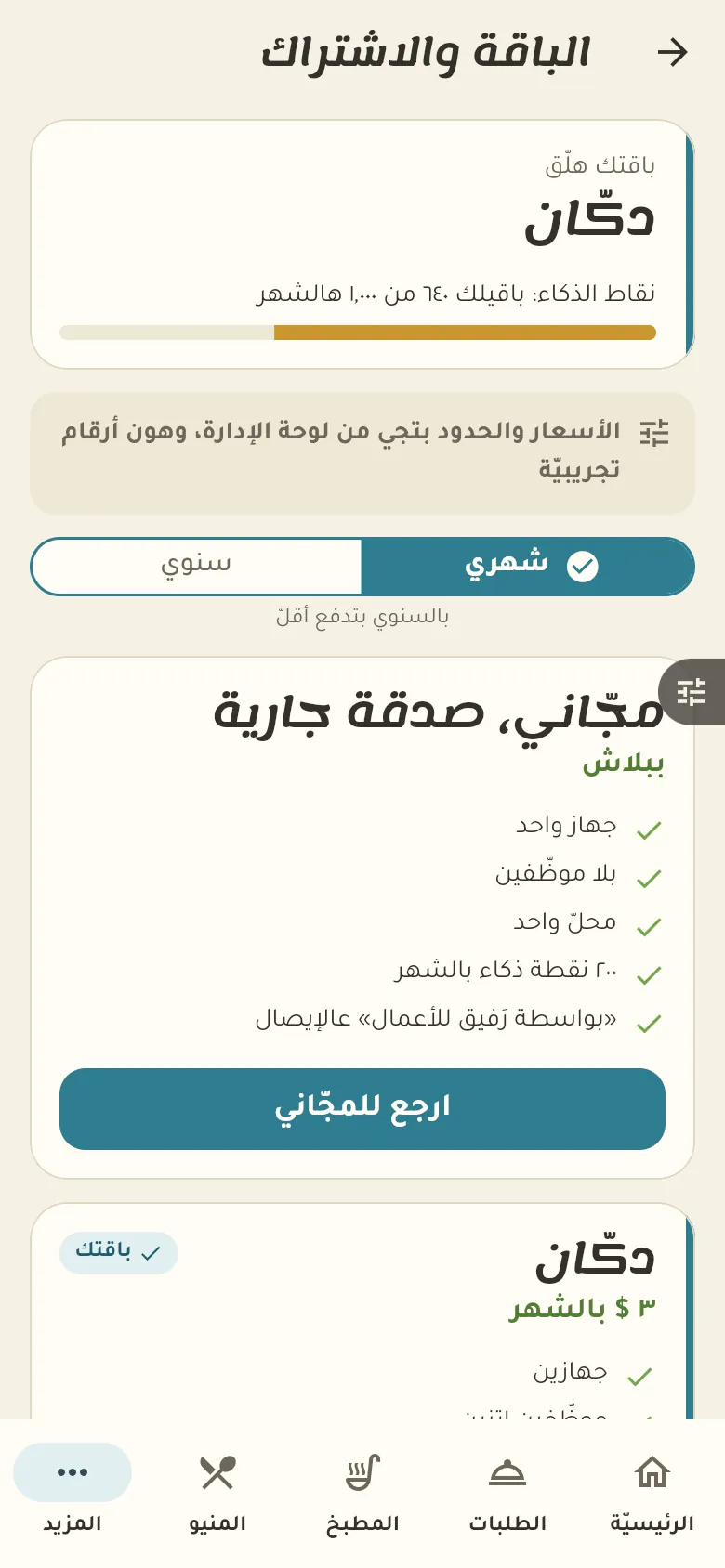
1 Home and the bottom barNew This is your home screen: a summary of your day. The bar at the bottom moves you between the sections of your shop, and «More» at its end opens everything else. 3 Your first dishNew Let's add your first dish now. Type its name, price and section, and add a photo if you like. 4 OrdersNew Open an order for a table, delivery or takeaway and add dishes. When the customer finishes tap «Bill», and you can split it equally or by items. 5 The kitchenNew The kitchen screen shows new orders in front of the cook. They tap «Start» when they begin and «Ready» when done, and late orders change colour so you notice them. 6 Credit and the credit limitNew This is the credit book: who owes how much, and their last movement. The owner sets a limit for each customer; Rafeeq warns you as they near it, and past the limit a credit sale needs approval. 7 The cash drawer and closing itNew Open the drawer in the morning with the change in it, and close it at night by counting what's inside. Rafeeq compares your count to what it should be and shows the difference. 8 Staff and permissionsNew From here you add a staff member by inviting their phone number, and choose what they can see and do. A new staff member has no permissions by default, and you grant what you want. 9 Your shop page and its linkNew Your shop has a web page that customers open from a link. Pick the link name, share it on WhatsApp and your accounts, and customer orders will arrive straight in the app. 10 Payment methodsNew Choose how customers pay on your shop page: ShamCash, cash on delivery, or credit. You decide what's offered, and you confirm every payment before it counts. 11 Backup and devicesNew Your data is saved on our server automatically, so it isn't lost if your phone is. «Sync now» uploads anything pending, and below it you see the devices on your account and can remove an old one. 12 Your plan and voucher codeNew Here is your current plan with its devices, staff and AI points. If you have an activation or discount code and the code box is open for your account, you'll find it lower down on this page; you can upgrade whenever you need. A screenshot taken automatically from the app
On a computer or in the browser If your phone is not at hand, open Rafeeq Business in the browser and sign in with the same number: the same cashier and the same steps.