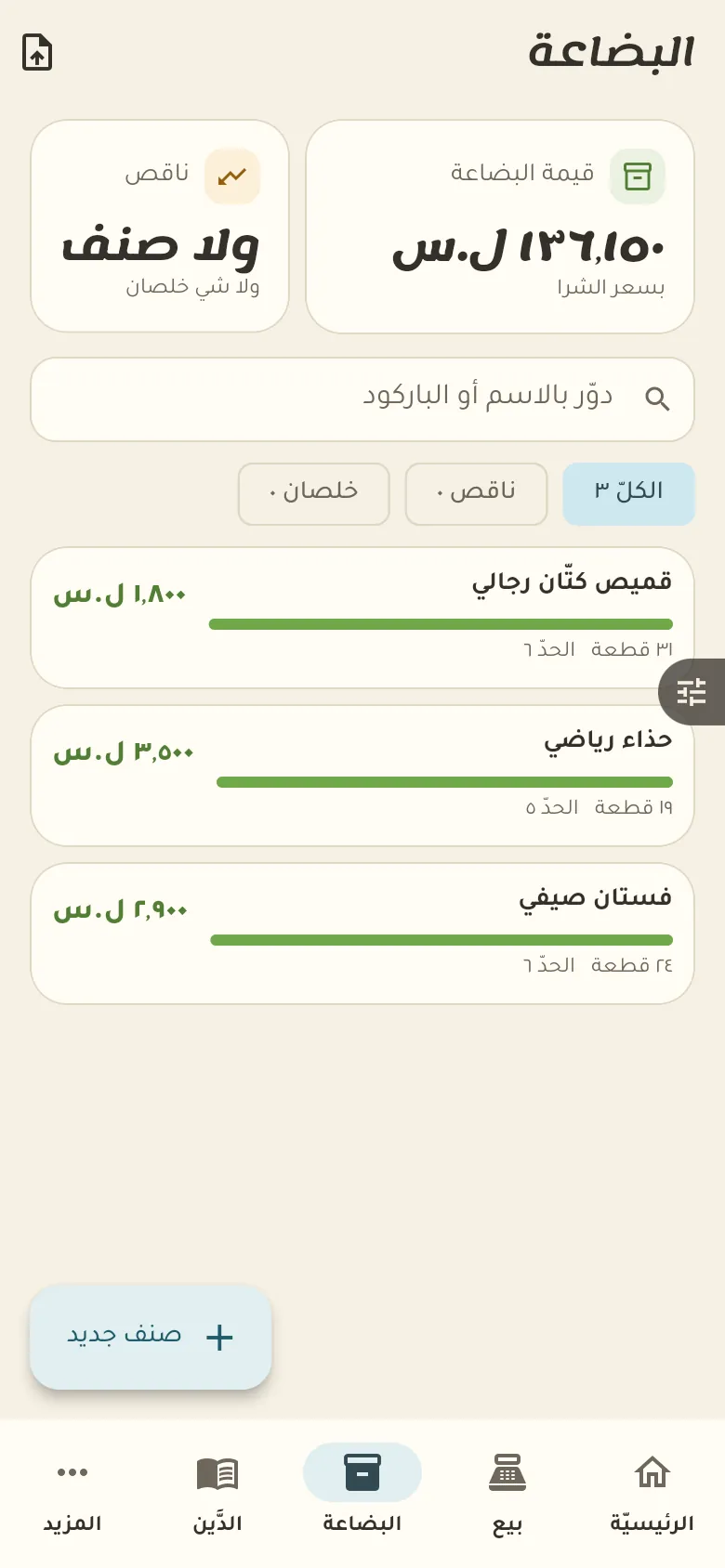
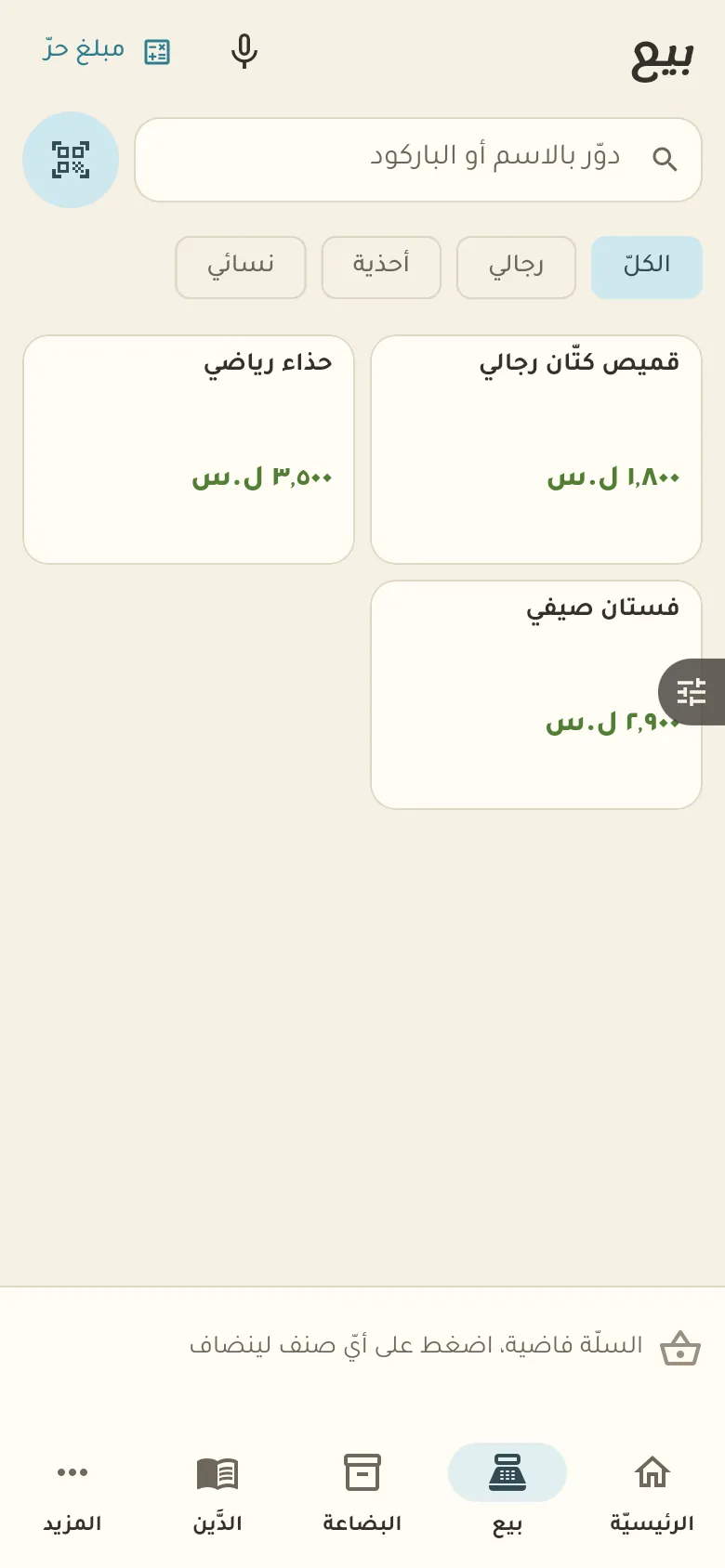
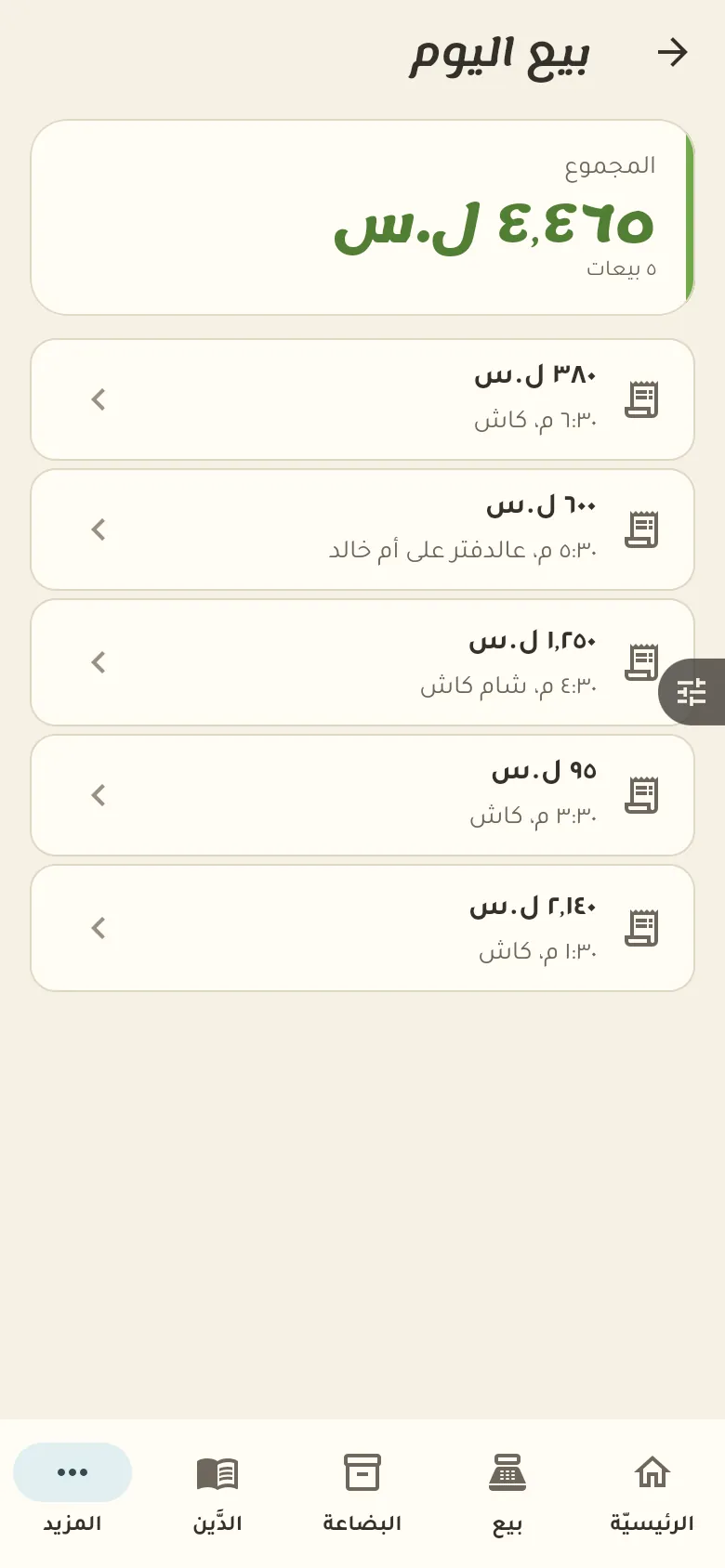
Stock by piece and size, plus sales, profit and what is nearly gone.
10 chapters · 6 steps
Pick up where you left off:
Step by step
Press any step (or scroll) and the phone shows its screen.
A screenshot taken automatically from the app
Common questions
How do I add sizes and colours to a piece?
Open the piece, tap «Sizes» then «Add», and enter the size, colour and quantity. Repeat for each size and colour.
How do I handle an exchange?
Return the old piece from its invoice, then record a new sale for the piece they want. If the price differs the customer pays the difference or you give it back.
How do I mark down a whole season?
From «More → Change prices» pick the items or category and enter the discount percentage, and prices change in one go. This needs the permission to change prices.
On a computer or in the browserIf your phone is not at hand, open Rafeeq Business in the browser and sign in with the same number: the same cashier and the same steps.