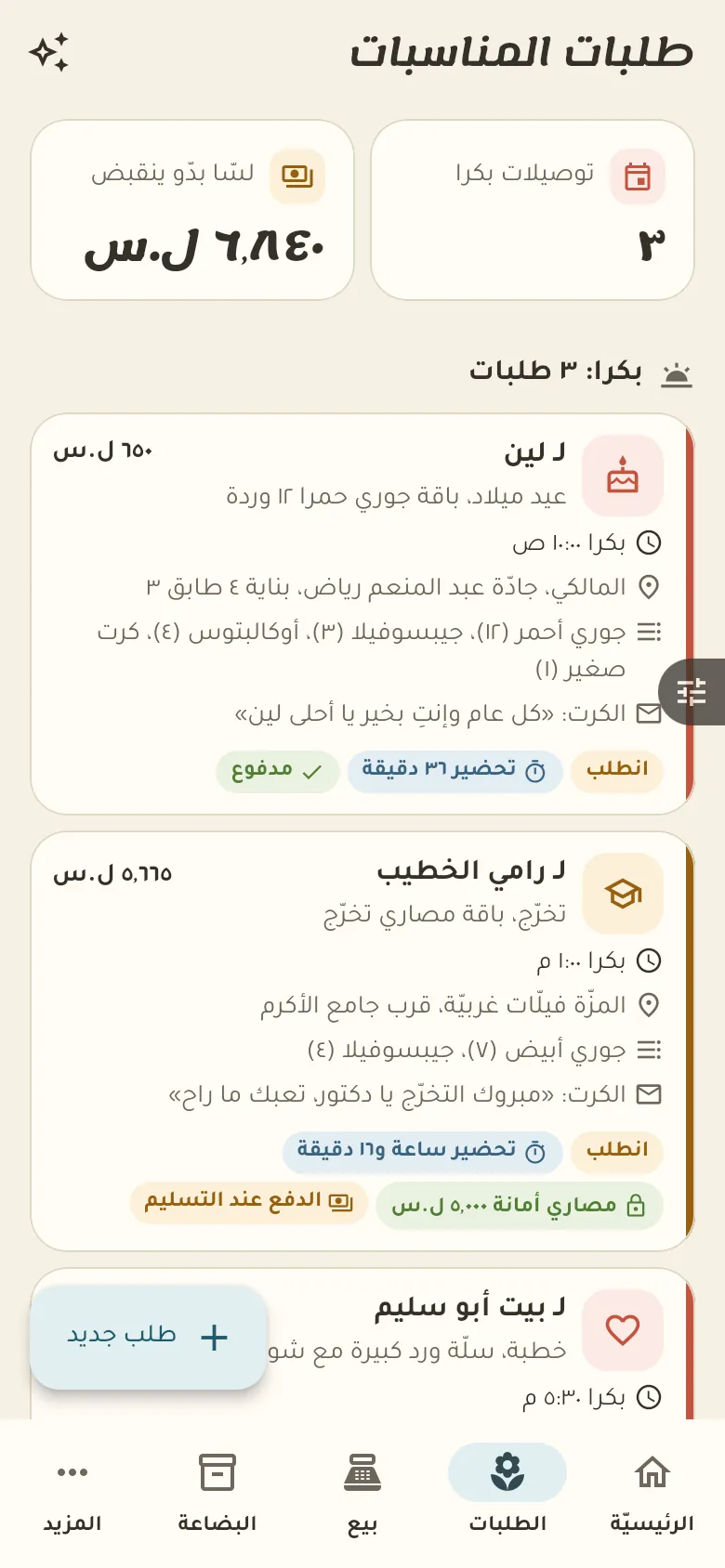
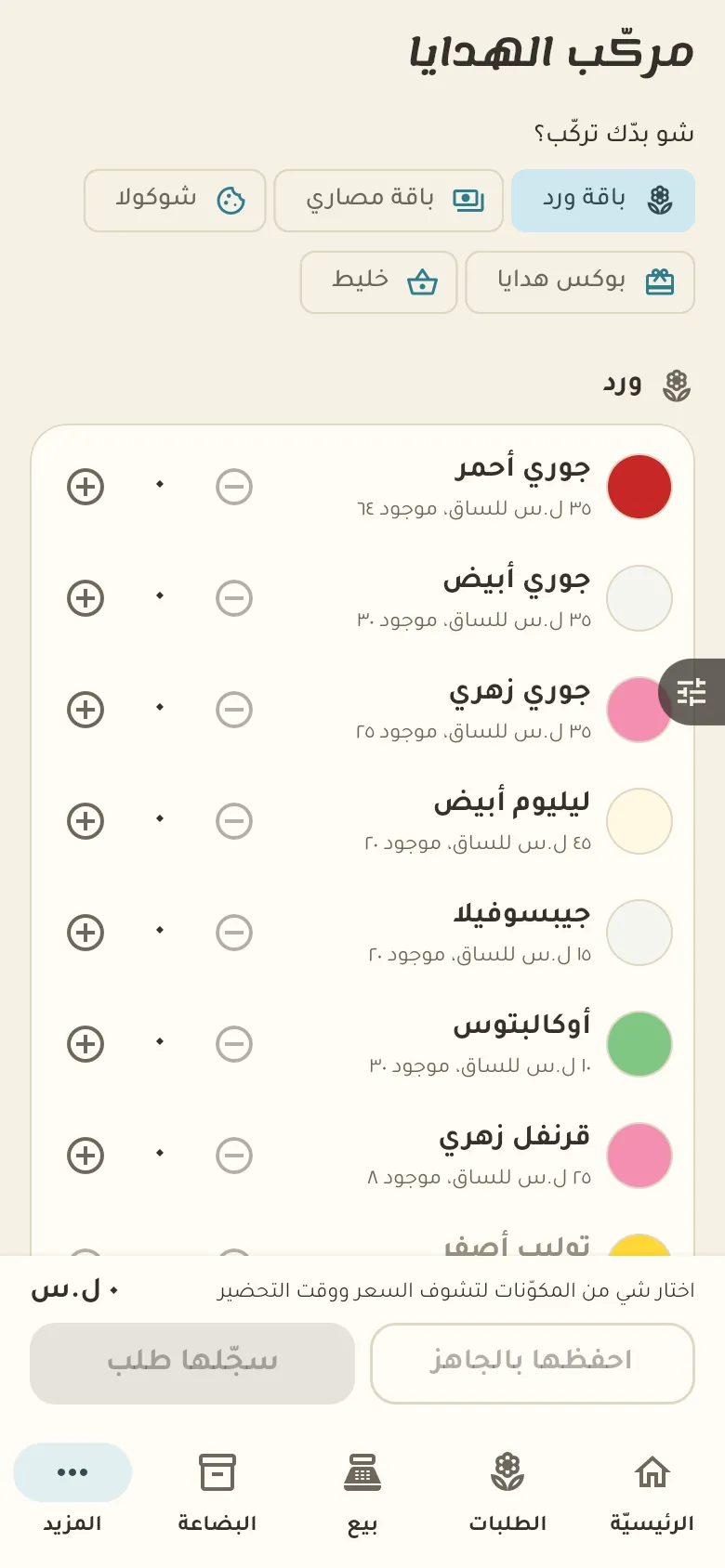
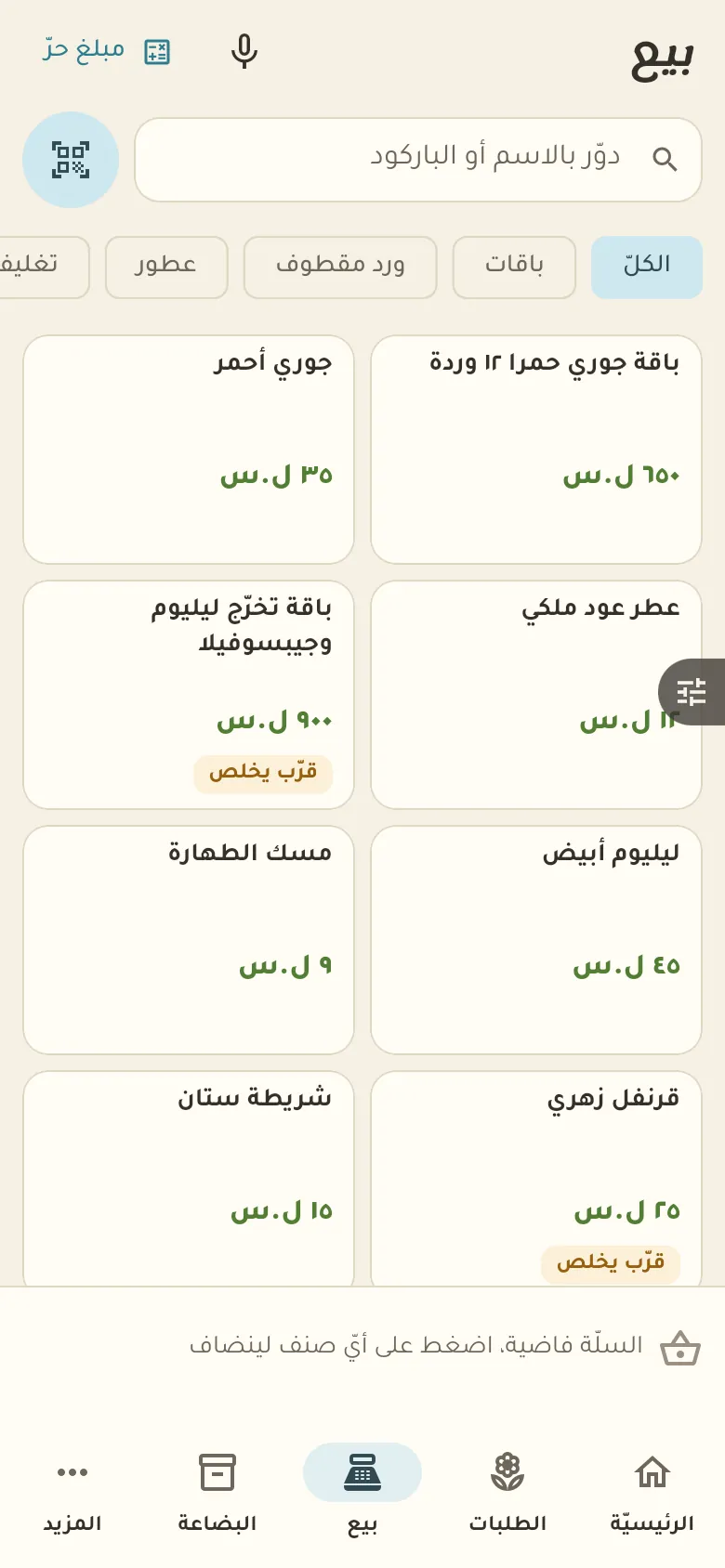
Occasion orders and delivery with their date, message and payment status.
11 chapters · 4 steps
Pick up where you left off:
Step by step
Press any step (or scroll) and the phone shows its screen.
A screenshot taken automatically from the app
Common questions
How do I add a recipe to a bouquet?
Open the bouquet and tap «Recipe», then add the materials and the amount of each. Once saved, the materials are deducted automatically with every sale.
How do I take a deposit on an order?
Open the order, tap «Payment» and enter the deposit amount. The remainder stays visible on the order and you collect it at delivery.
How do I sell perfume by the millilitre?
Record the perfume as a large bottle with its volume, and in the filling recipe set the millilitres per small bottle. When a bottle is sold its volume comes off the large one.
On a computer or in the browserIf your phone is not at hand, open Rafeeq Business in the browser and sign in with the same number: the same cashier and the same steps.