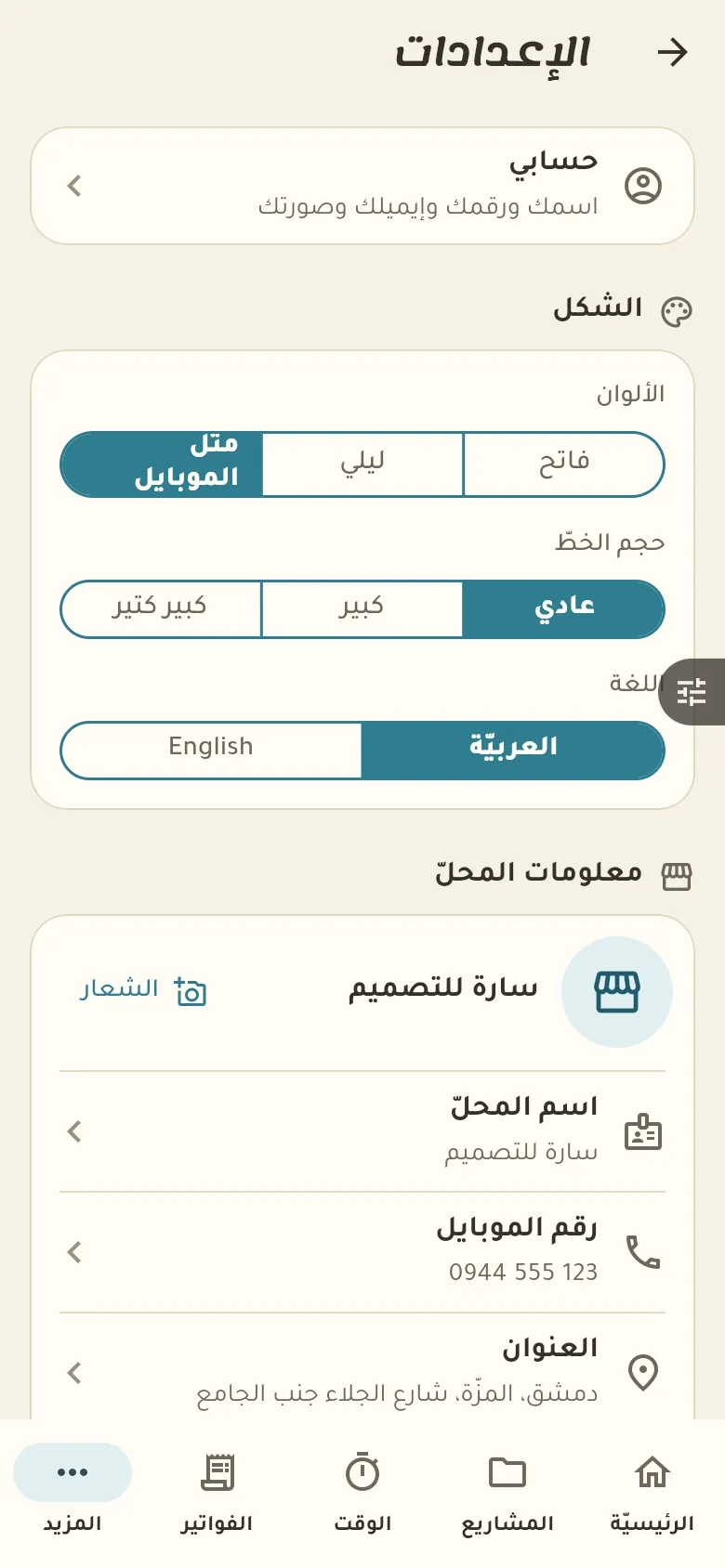
Your data is saved on our server automatically, so it isn't lost if your phone is. «Sync now» uploads anything pending, and below it you see the devices on your account and can remove an old one.
13 chapters · 1 step
Pick up where you left off:
Step by step
Press any step (or scroll) and the phone shows its screen.
A screenshot taken automatically from the app
Common questions
Is my data safe if I lose my phone?
Yes, everything is saved on our server. Sign in with your number on a new phone and you'll find your shop exactly as you left it.
How do I sign in from another device?
Install the app on the other device and sign in with the same number and verification code. Both devices work together and sync automatically, within your plan's device limit.
How do I work without internet?
Work as usual: sales, credit and expenses are kept on your device and sent to the server automatically when the internet returns. Only the AI and your shop page need a connection.
How do I remove an old device?
From «More → Settings → Devices» tap the old device and then «Remove». Its access closes immediately and no data is lost.
On a computer or in the browserIf your phone is not at hand, open Rafeeq Business in the browser and sign in with the same number: the same cashier and the same steps.