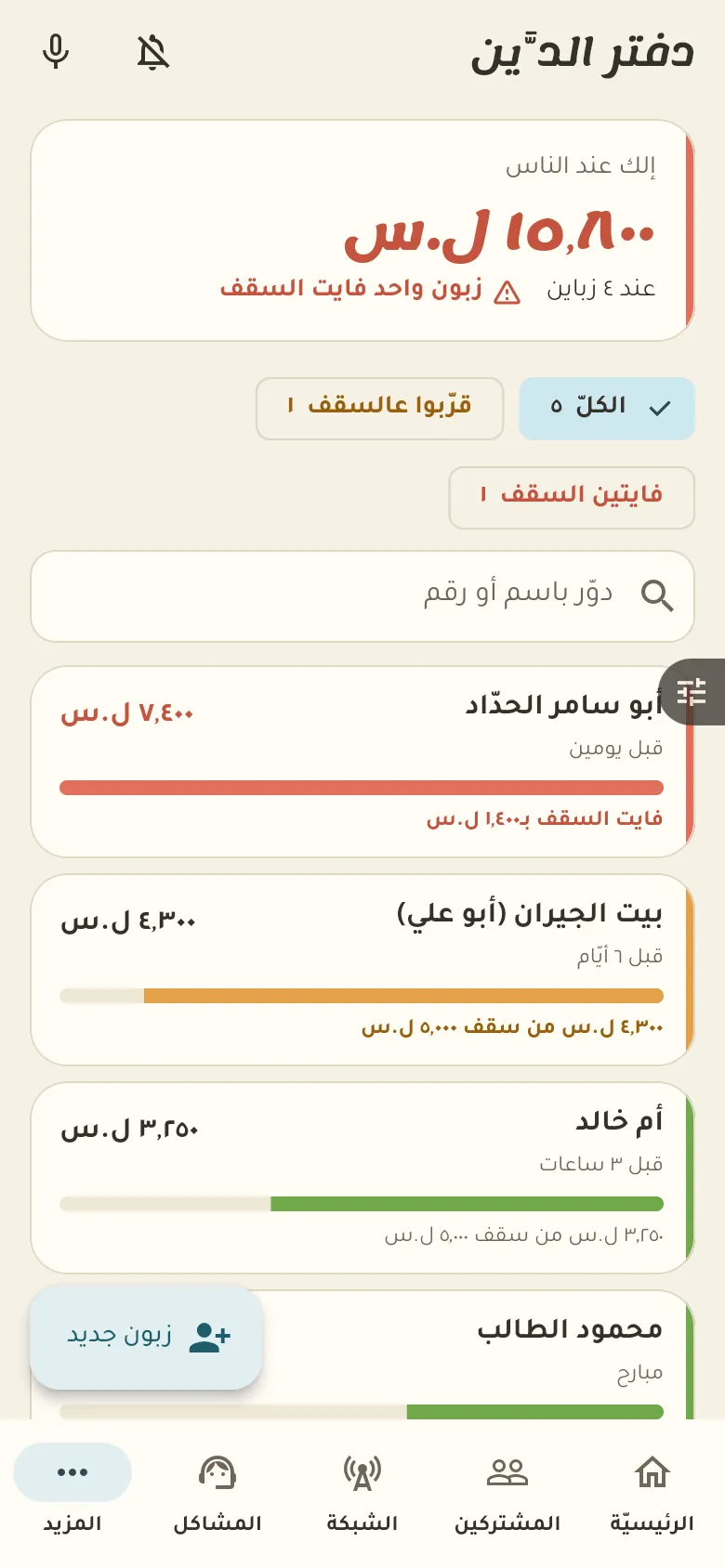
This is the credit book: who owes how much, and their last movement. The owner sets a limit for each customer; Rafeeq warns you as they near it, and past the limit a credit sale needs approval.
12 chapters · 1 step
Pick up where you left off:
Step by step
Press any step (or scroll) and the phone shows its screen.
A screenshot taken automatically from the app
Common questions
How do I set a credit limit for a customer?
Open the customer from «Credit», tap «Limit» and type the amount. A flag appears as they near it, and past the limit a credit sale needs your approval.
How do I record a payment from a customer?
Open the customer, tap «Collect payment» and type what they paid. It comes off their debt right away, and the amount goes into your drawer.
Does the customer get a reminder about the debt?
Rafeeq suggests who is due a reminder, and with one tap you send it to the customer on WhatsApp. You turn automatic reminders on from «More → Settings».
Can I cancel a debt recorded by mistake?
Yes, open the wrong entry in the customer's book and tap «Cancel». The entry isn't erased; it stays crossed out in the log so everything remains clear.
On a computer or in the browserIf your phone is not at hand, open Rafeeq Business in the browser and sign in with the same number: the same cashier and the same steps.