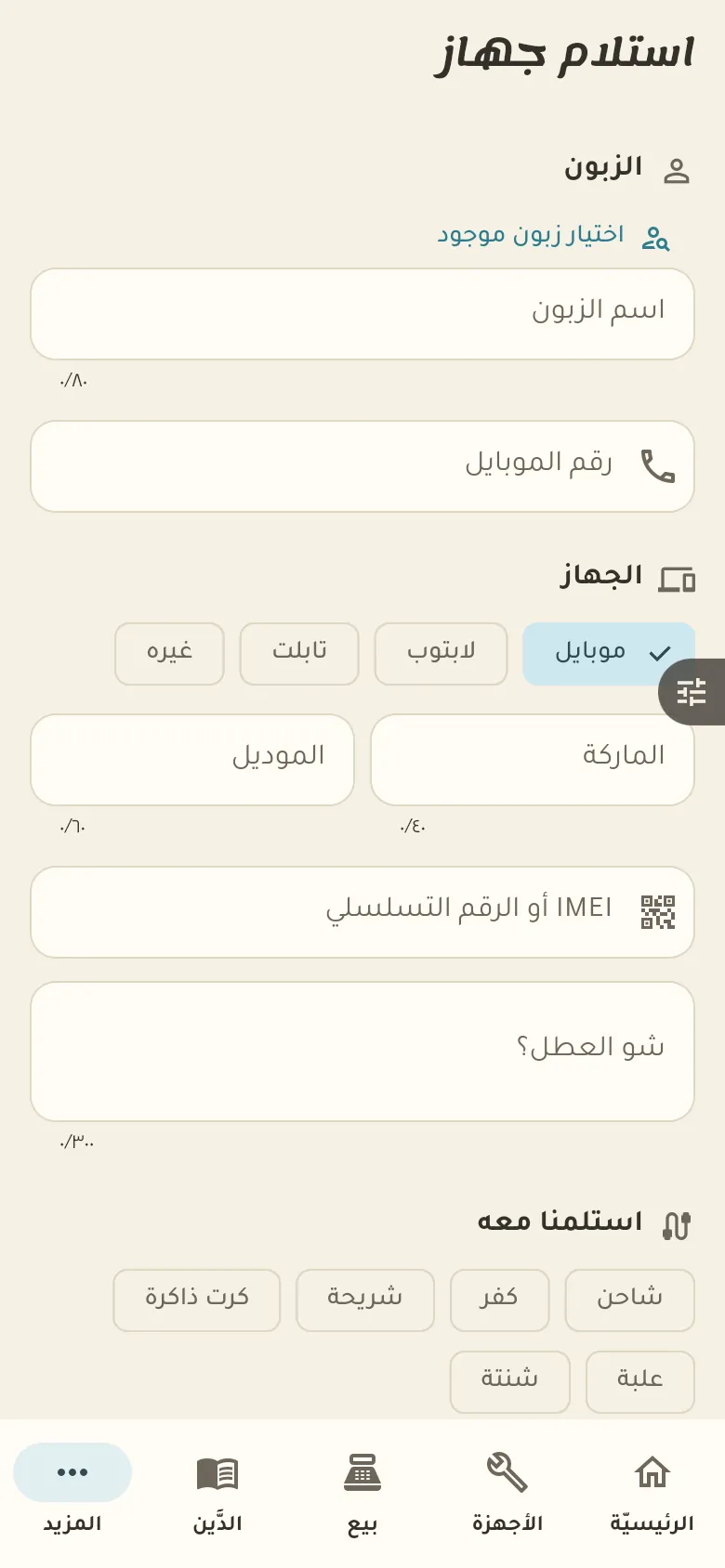
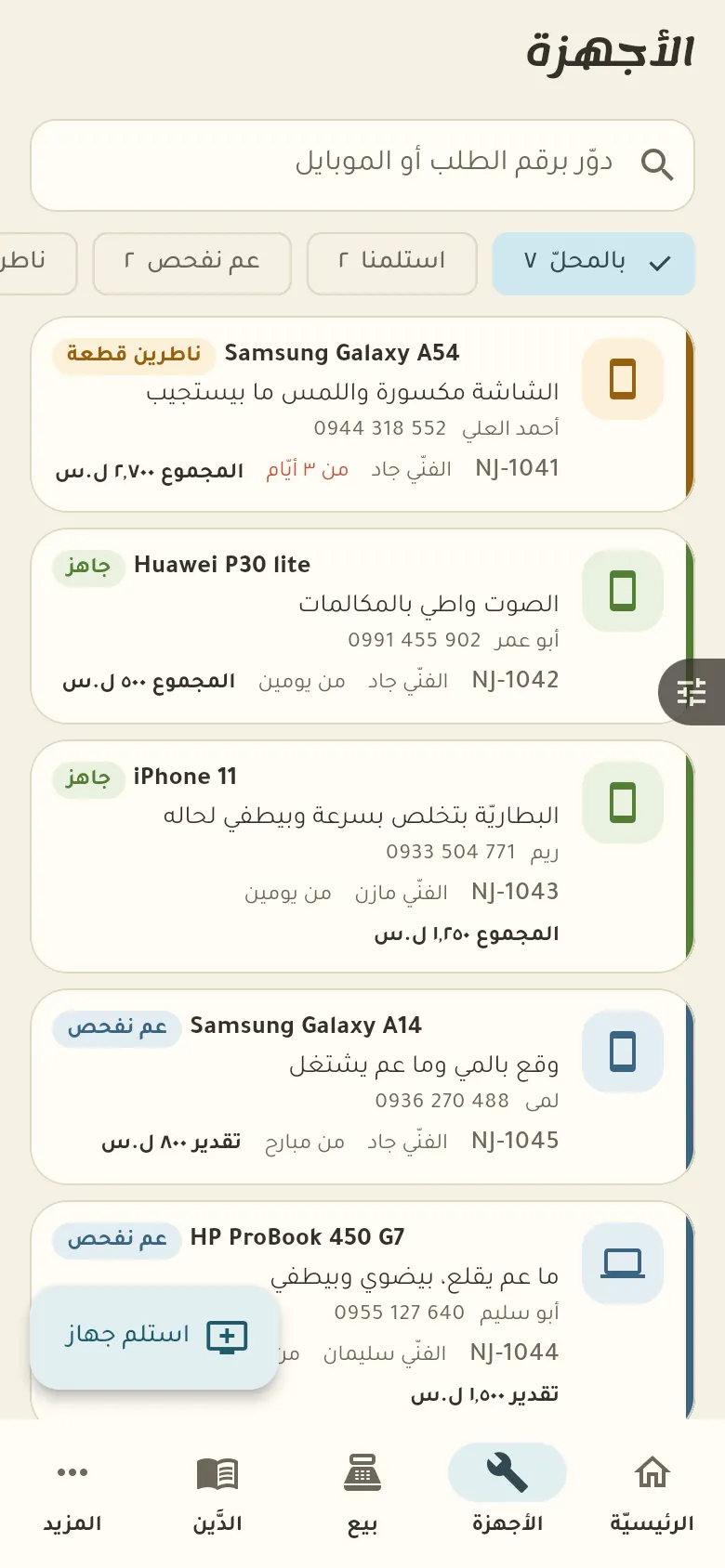
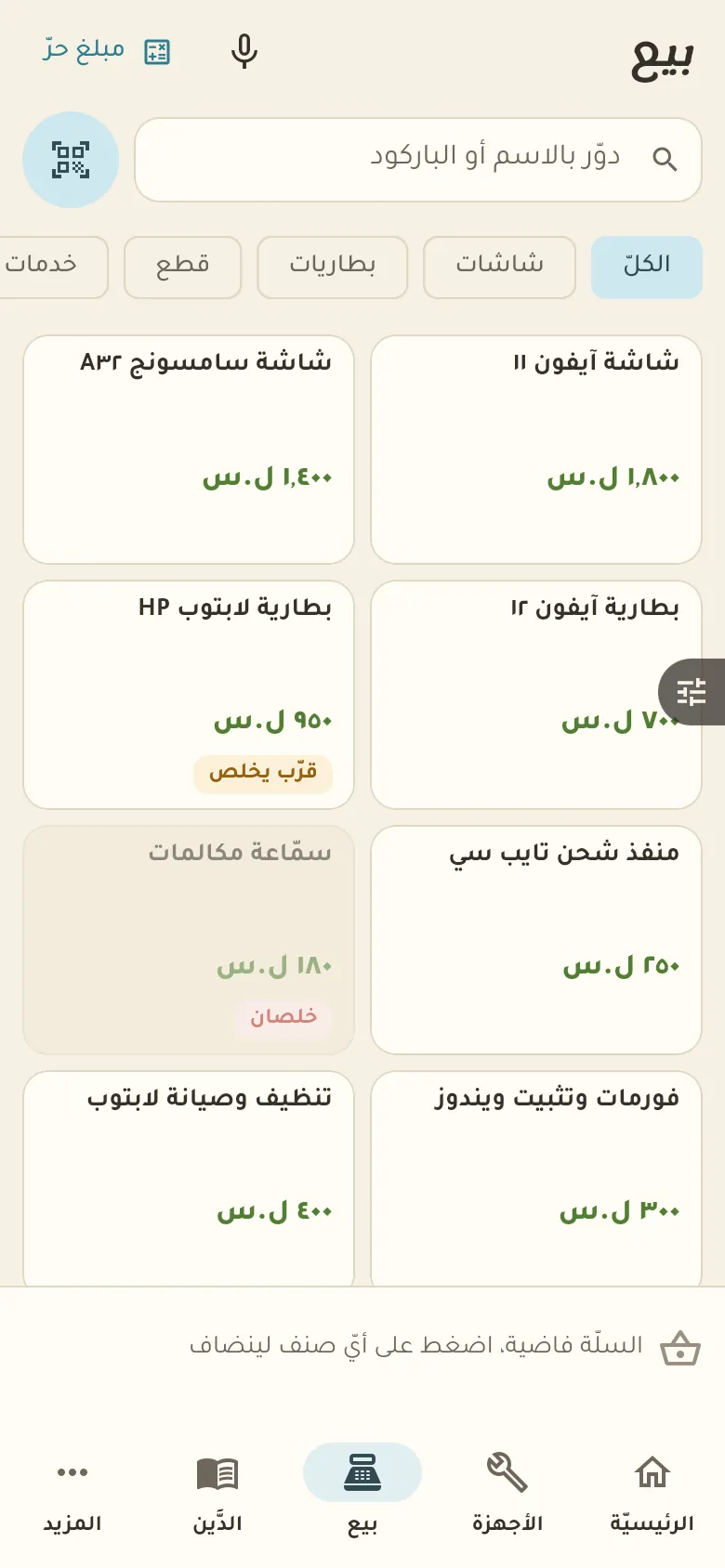
A job ticket per device with its number, fault, technician and amount, plus “waiting for a part” and “ready” states.
10 chapters · 4 steps
Pick up where you left off:
Step by step
Press any step (or scroll) and the phone shows its screen.
A screenshot taken automatically from the app
Common questions
How do I find the job of a customer who came back asking?
Scan the receipt's barcode or search by name or phone number in «Jobs». The job opens with its stage, photos and payments.
How do I set the warranty period?
From «More → Settings» set the default number of warranty days, which is written on every new job. You can change it for a particular job.
What about devices their owners forgot?
After a number of days you choose from the «Ready» state, Rafeeq puts the device on a «Forgotten» list as a reminder. It never sells anything or disposes of the device; the decision is yours alone.
On a computer or in the browserIf your phone is not at hand, open Rafeeq Business in the browser and sign in with the same number: the same cashier and the same steps.